
Size and layout
Control width, height, horizontal alignment, layer order, margin, padding and corner radius from compact visual inputs.
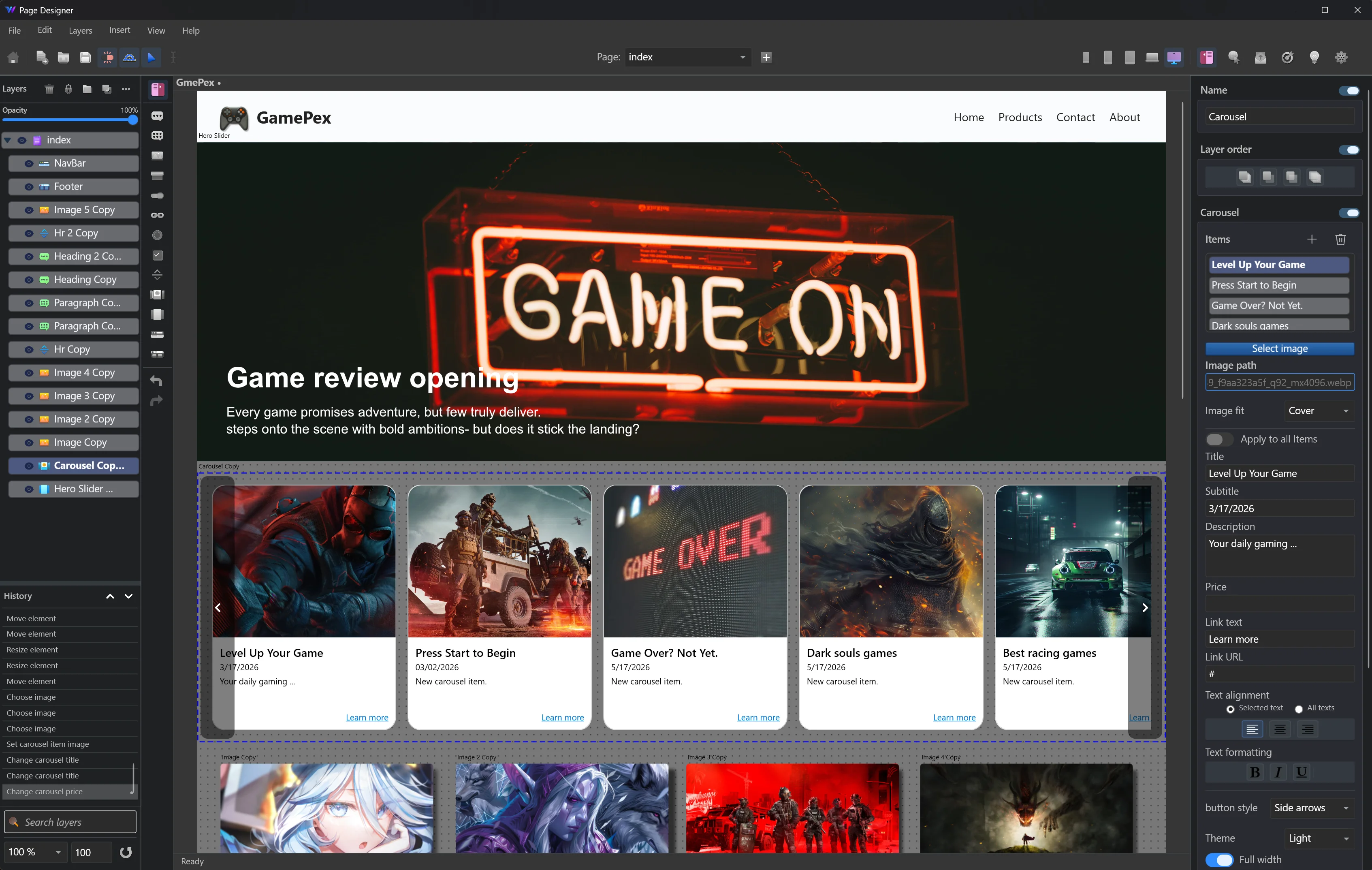
Websitefy is an offline page designer for building responsive websites without writing code. Move headings, text, buttons, form controls, images, navigation bars, sliders, carousels and footers directly on the canvas, then refine every detail from a professional property panel.
Websitefy gives your website the same hands-on editing feel as a picture editor. Add a heading, multiline text, button, radio button, checkbox, combo box or image, then move and resize it directly on the page.
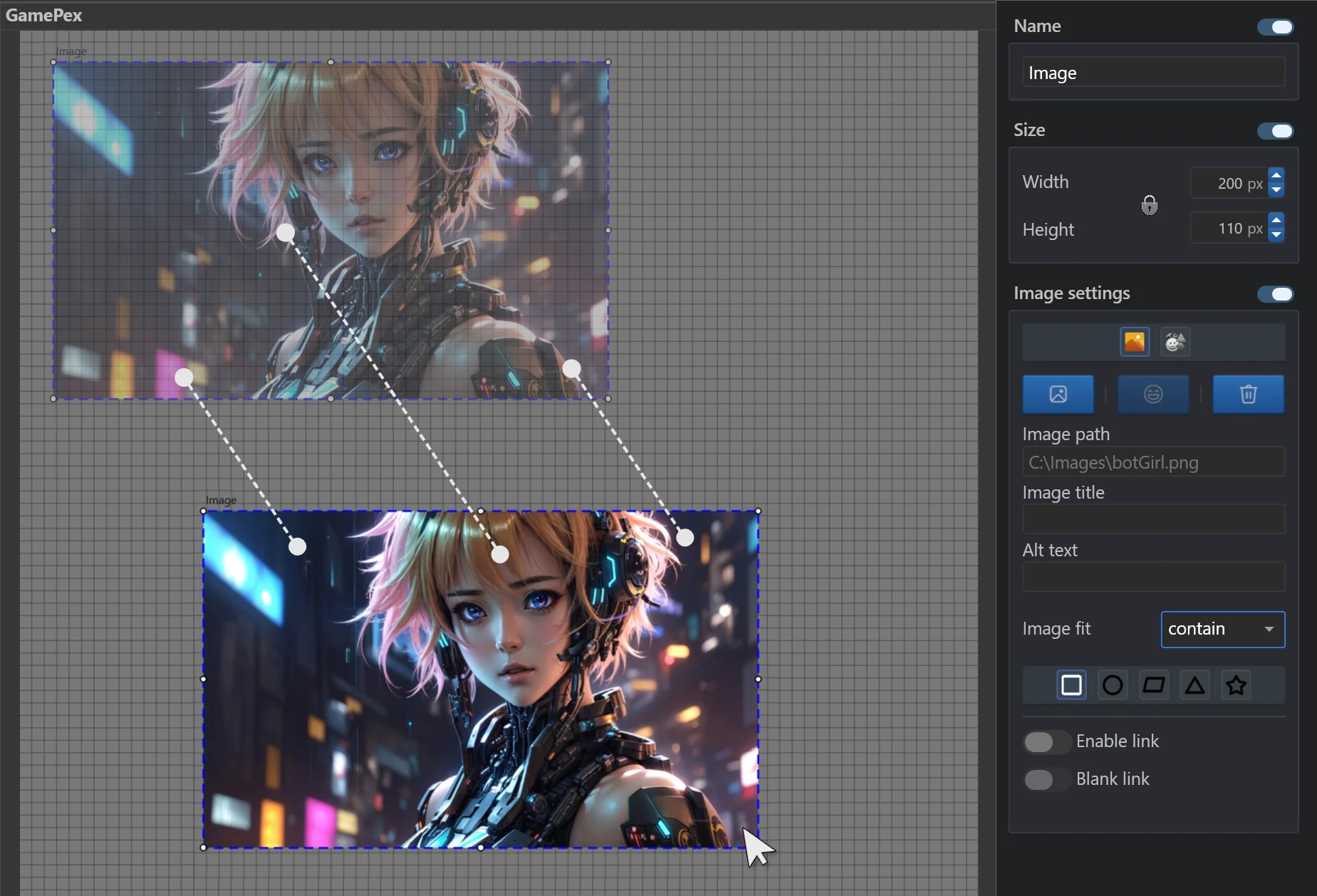
Use dedicated panels for layout, typography, colors, image behavior, spacing, borders, shadows, animation and text formatting.
Control width, height, horizontal alignment, layer order, margin, padding and corner radius from compact visual inputs.
Set font size, family and variant, then format text with bold, italic, underline, strikethrough, highlight and small caps.
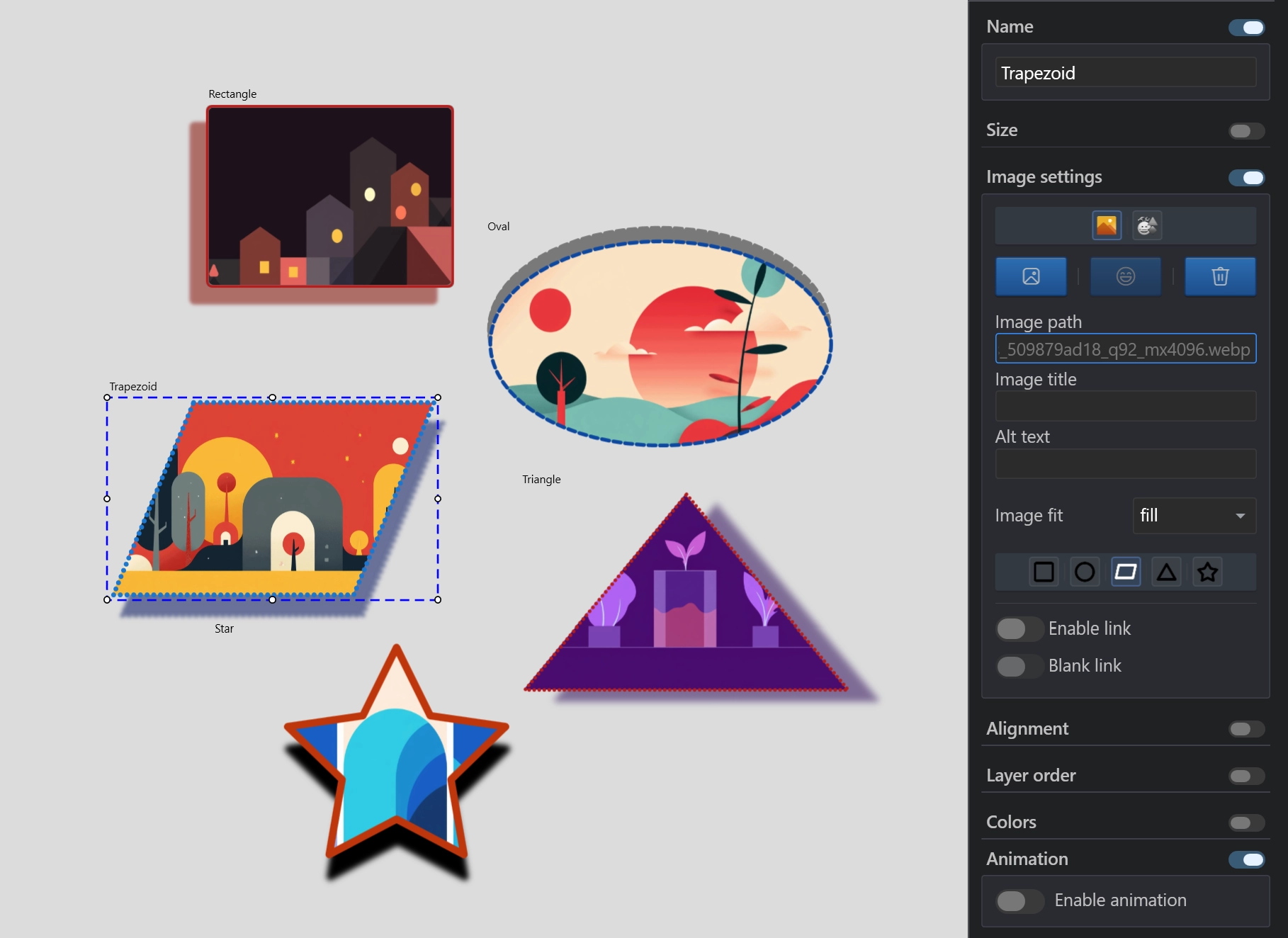
Apply text color, background color and background images with image fit options and shape styles.
Create solid, dashed or dotted borders, then tune shadow color, opacity, angle, blur and distance.
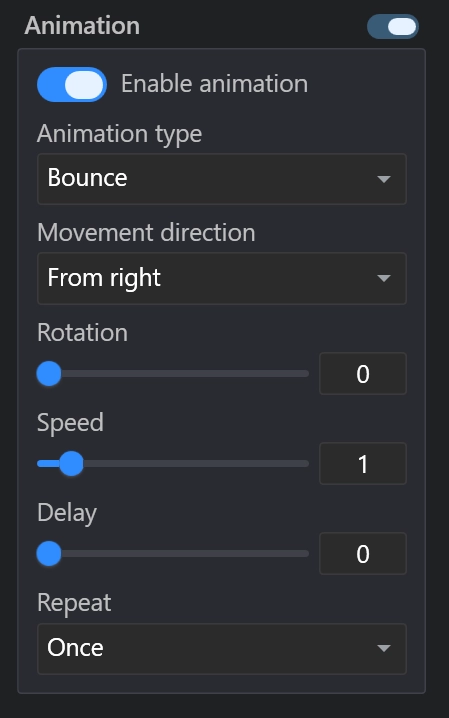
Apply professional scroll-triggered animation settings across elements with type, direction, rotation, speed, delay and repeat.
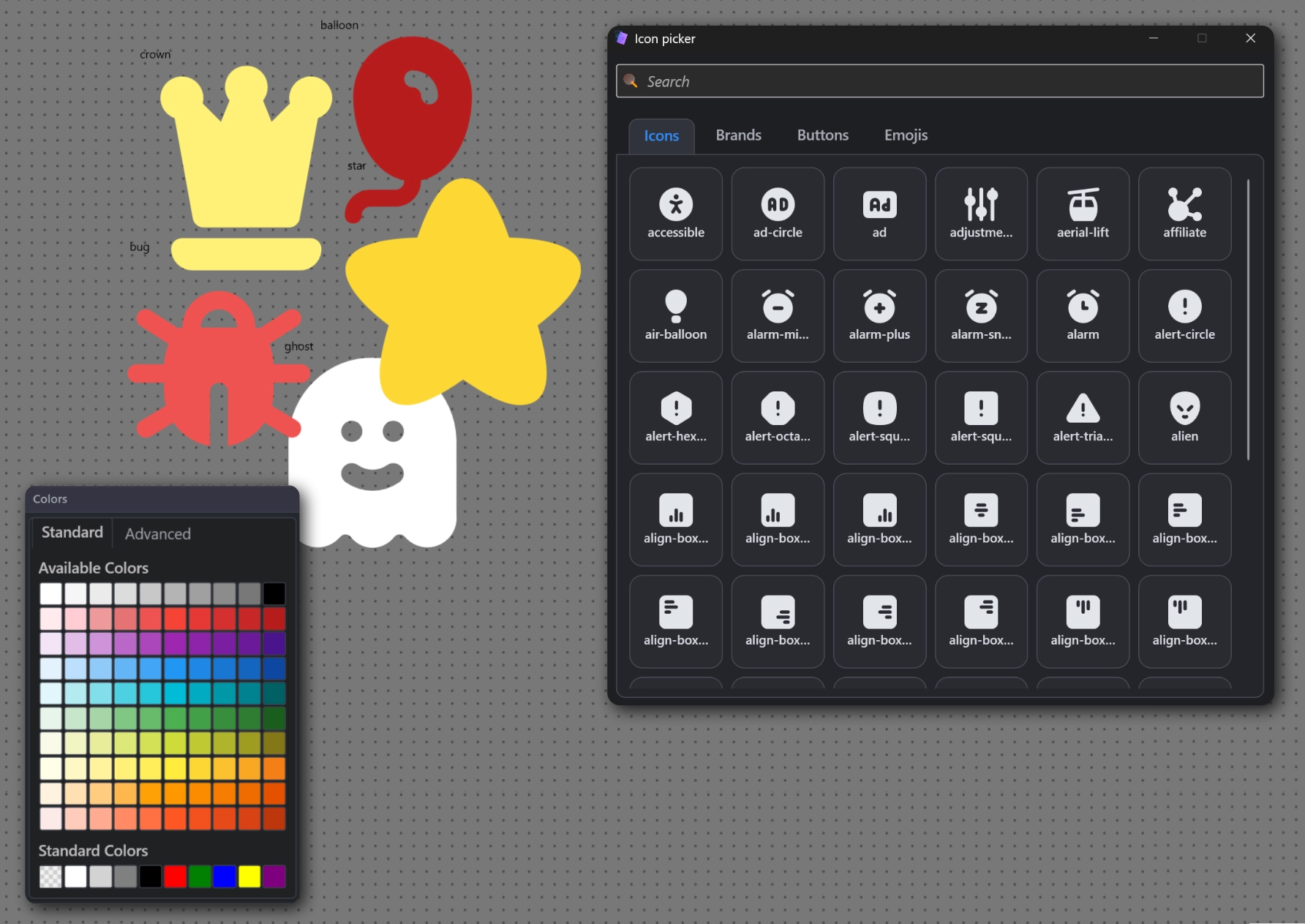
Use a separate panel with more than 5000 SVG, PNG icons and emojis that can be applied directly to elements.
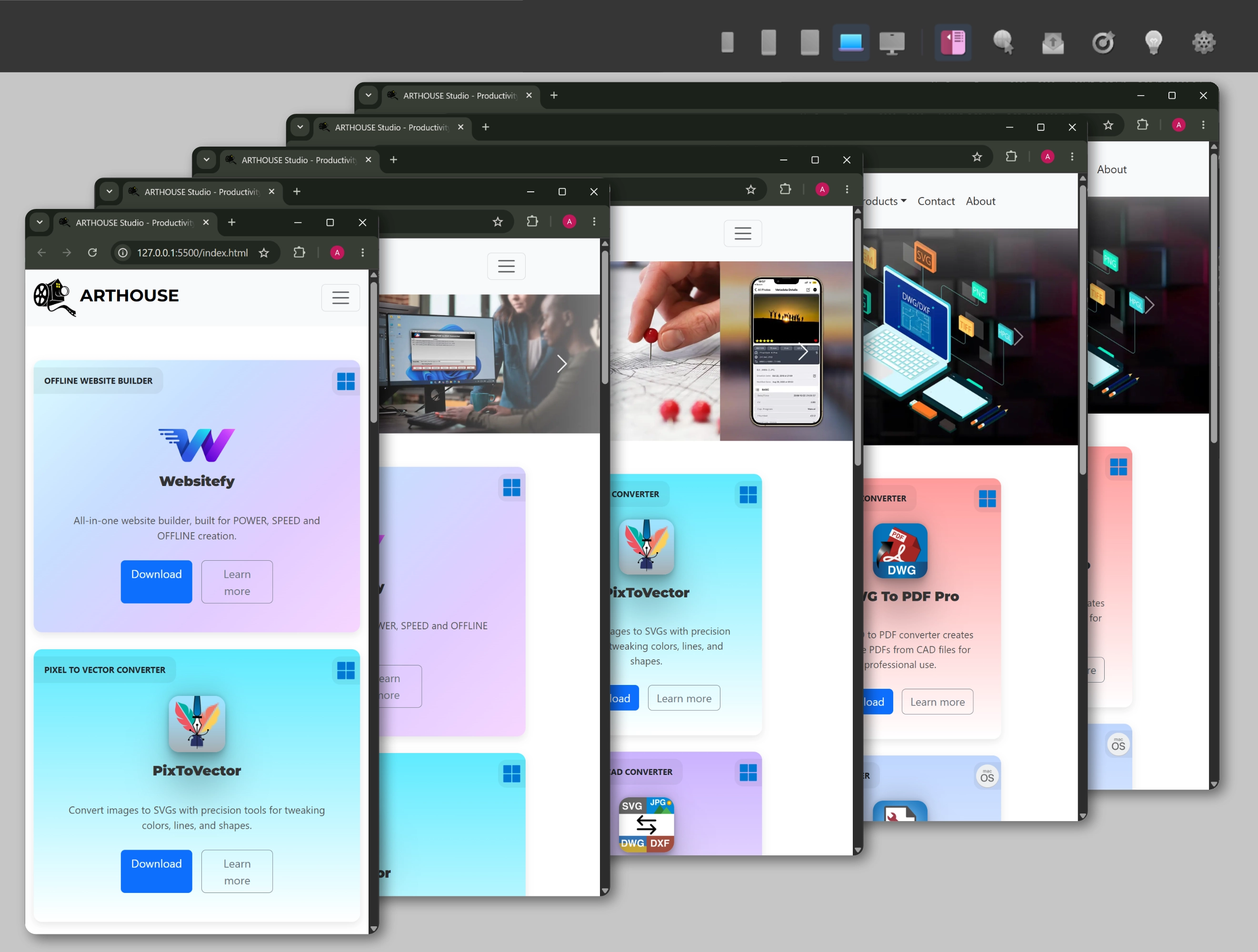
Websitefy supports five page sizes. Design each screen with its own layout, then combine them into a responsive output automatically.
The layer panel keeps structure visible while you design. Copy, paste, duplicate, hide, lock, group and order elements, then use the history panel to review project actions and return to earlier states.
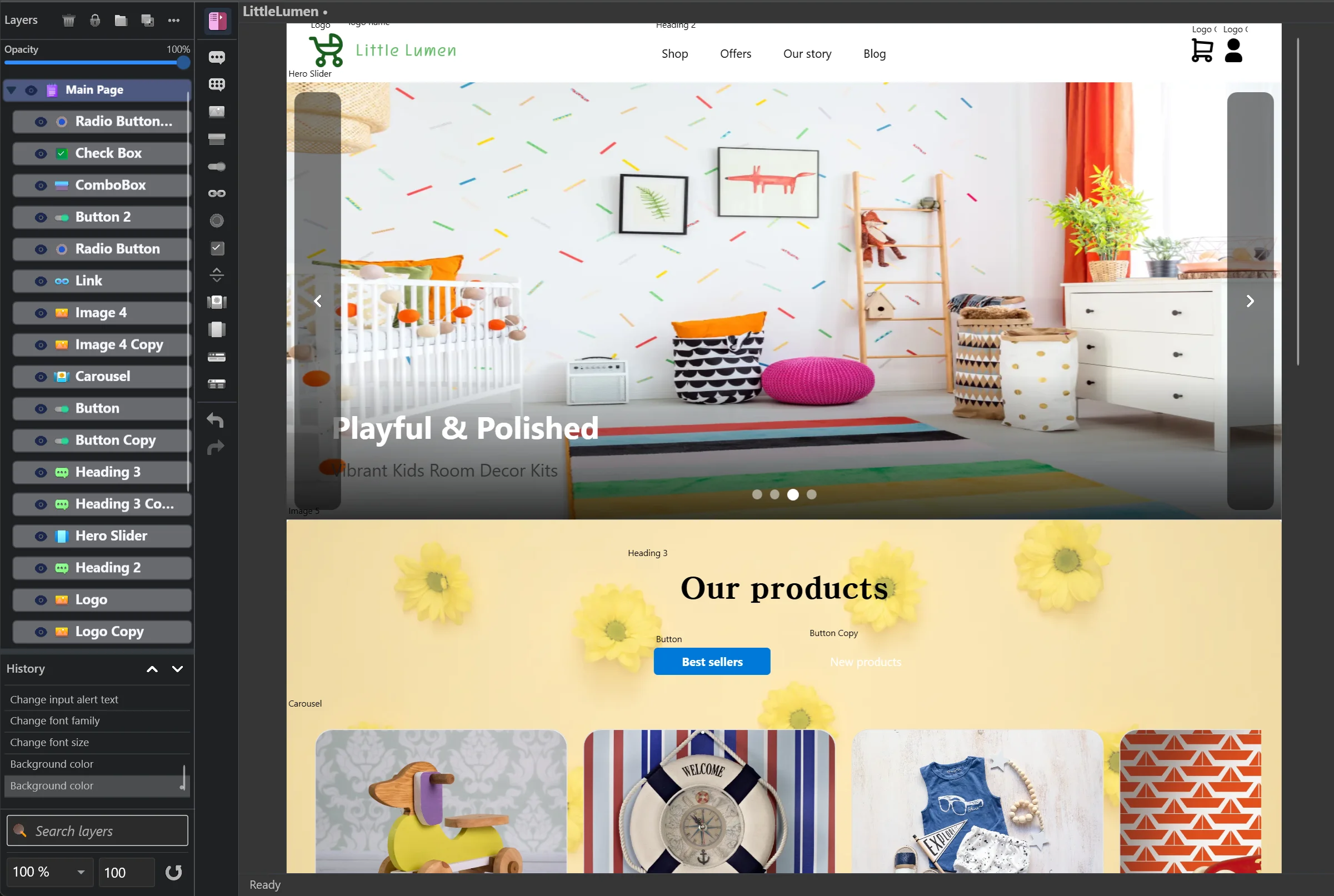
Websitefy includes practical website features for forms, SEO, responsive output, icon selection, image optimization, animation, advanced components and multi-page websites.
Create form-focused pages and limit incorrect input before export. Use fields, checkboxes, radio buttons, combo boxes and submit controls with configurable behavior.
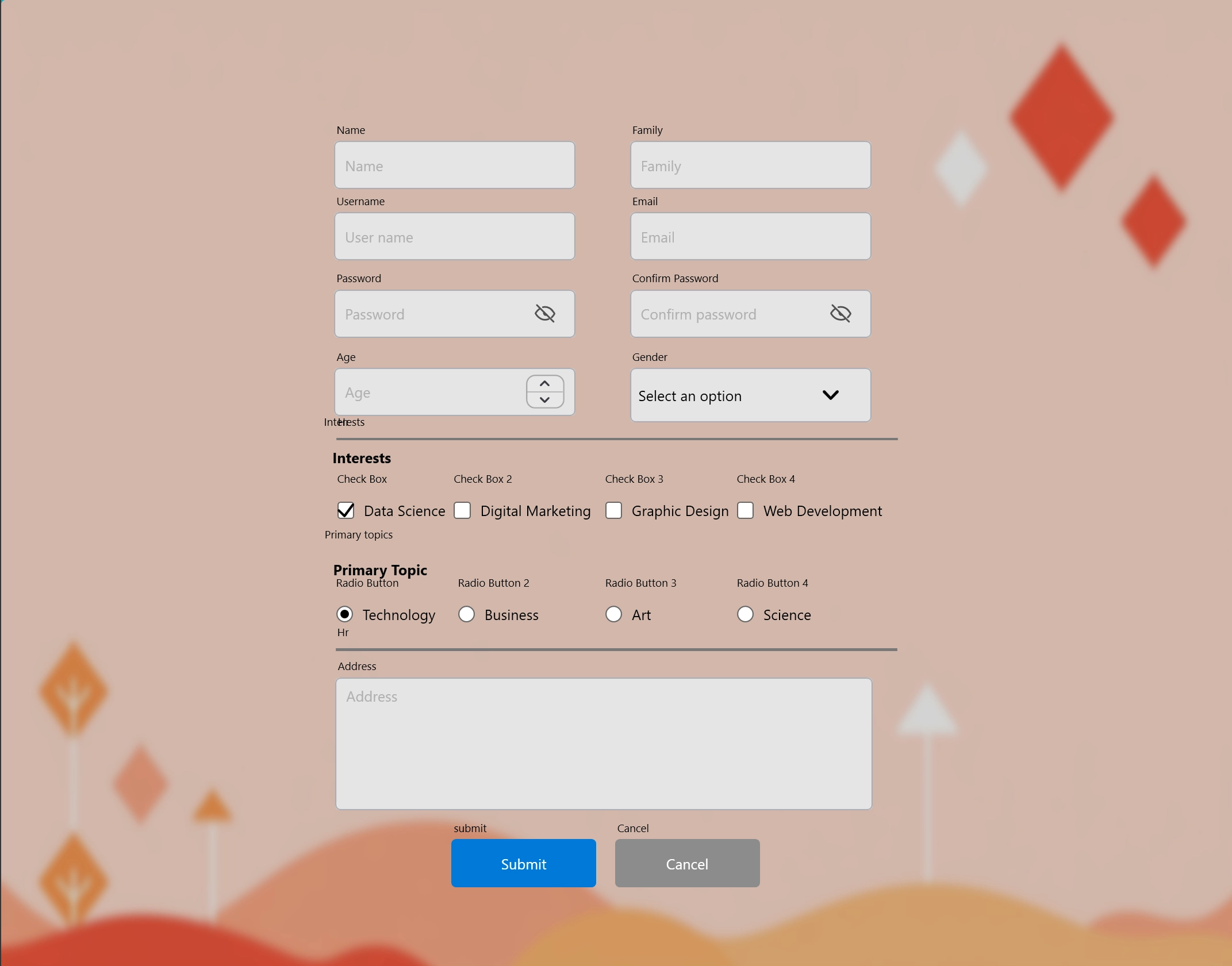
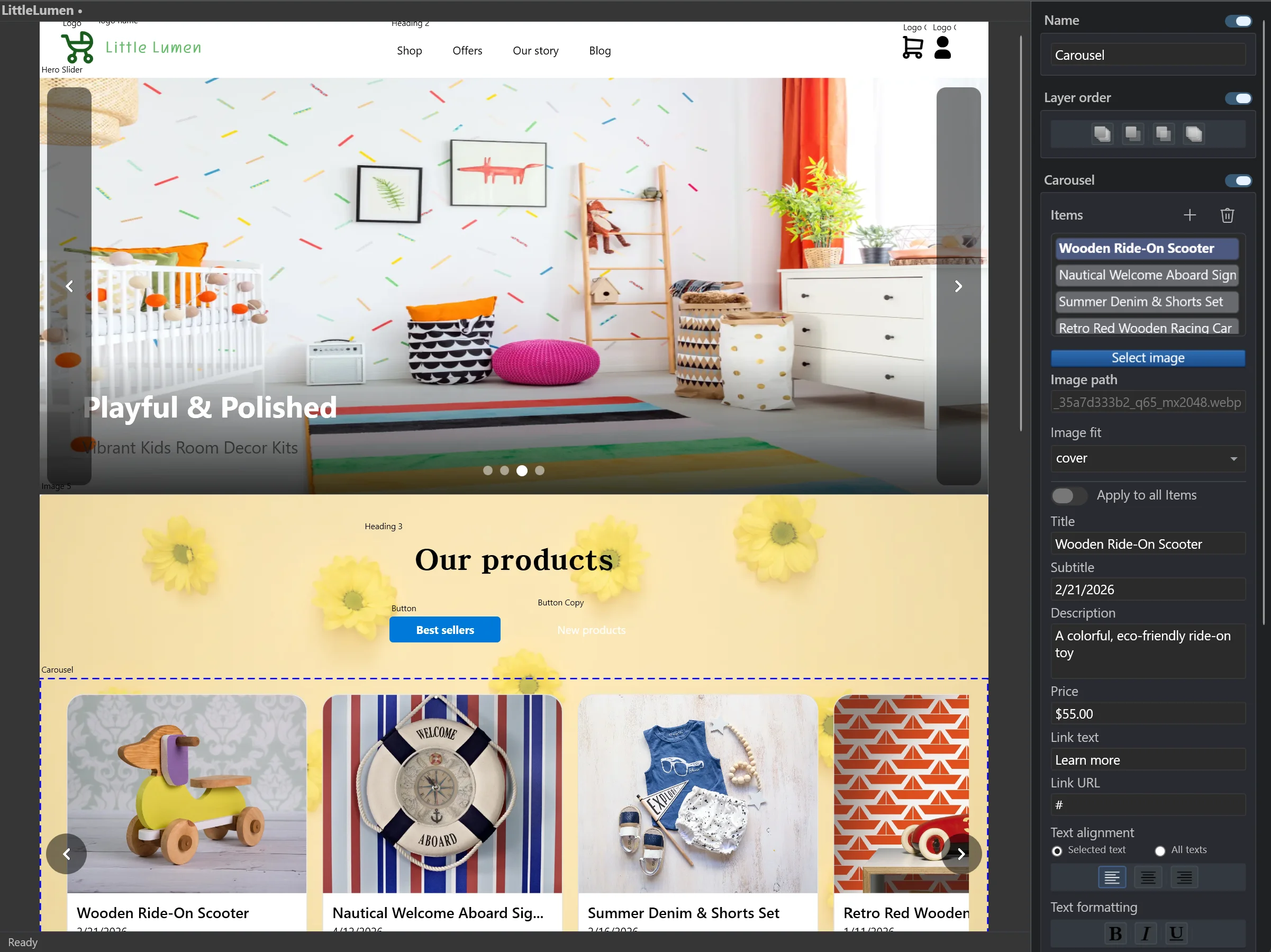
Each page can hold its own background metadata, giving exported websites cleaner page information and better content organization.
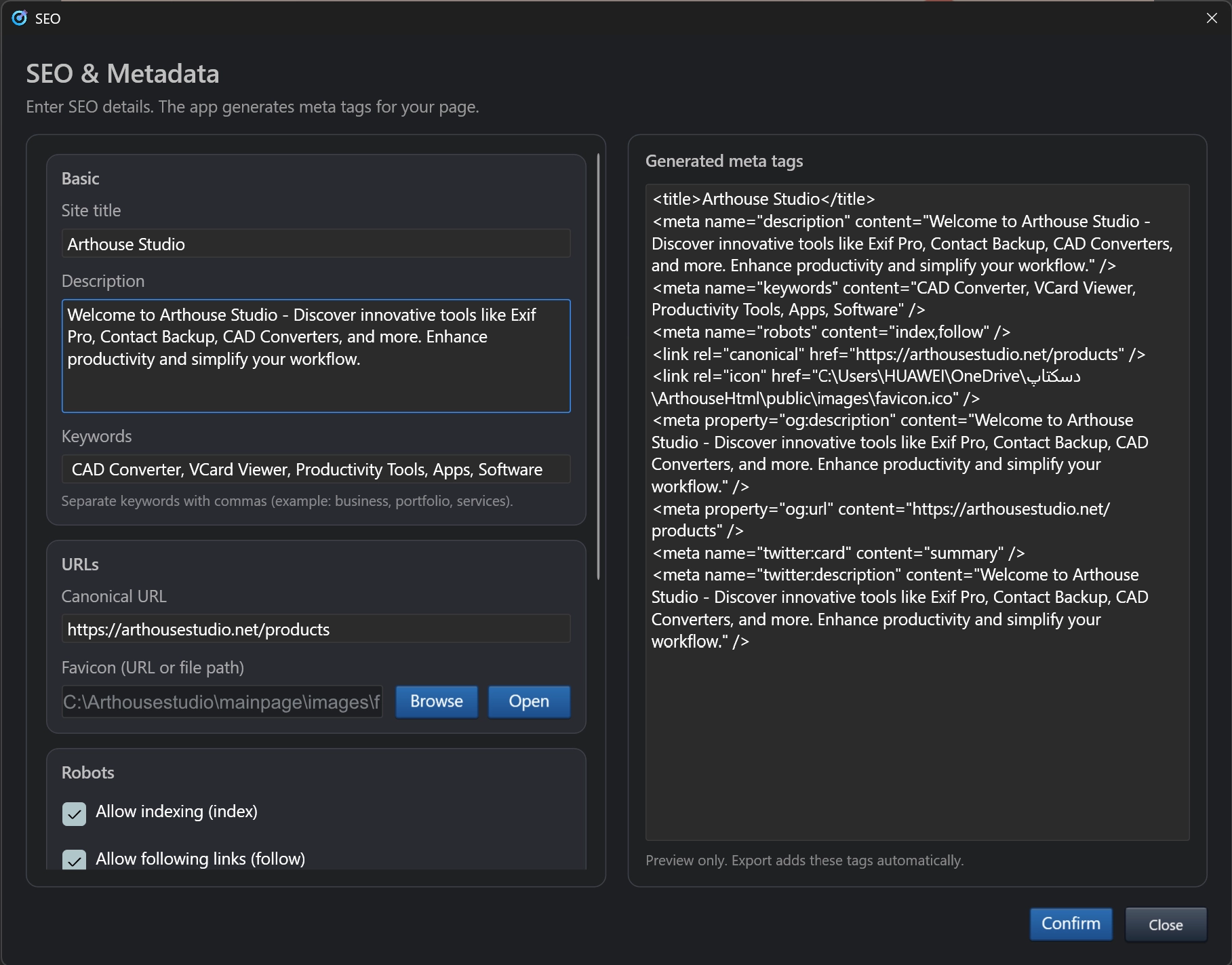
Add advanced elements such as navigation bars, footers, hero sliders and carousels, then adjust their content and visual behavior from dedicated panels.
Background image compression reduces image volume automatically while preserving a lightweight exported website for SEO and loading performance.
Fade, move in, move out, shake and bounce animations can run when the user reaches elements by scrolling.

Websitefy lets users design the same page separately for XS, SD, MD, LG and XL screen sizes. During export, those layouts are combined into one responsive website that reacts correctly across devices.
Websitefy includes a dedicated icon picker for elements that need visual symbols, such as navigation bars, image elements, buttons and footers. Users can choose from around 1000 SVG icons with editable colors and more than 4000 PNG emojis.
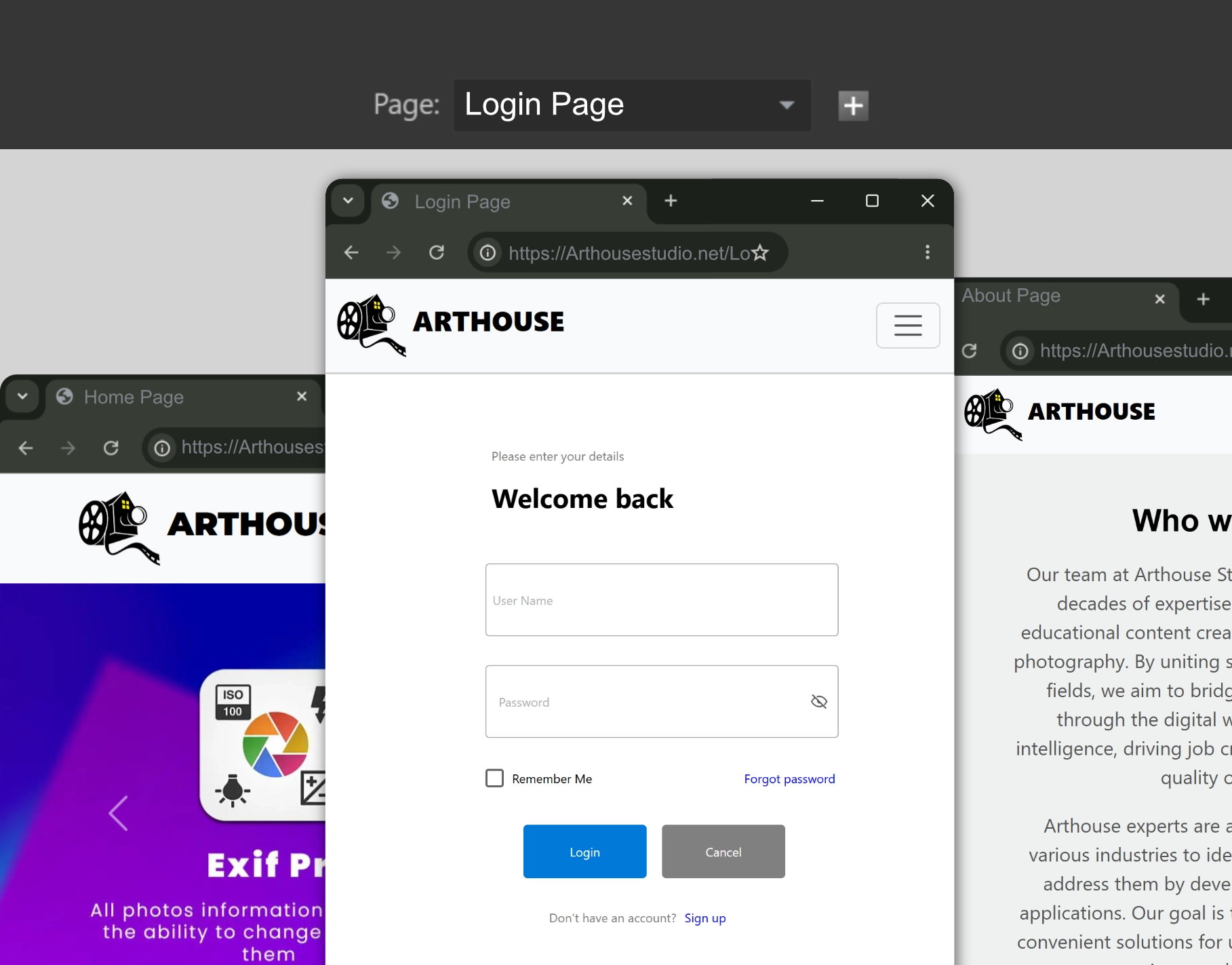
Create multiple pages, connect them with buttons and links, and build full website flows directly inside Websitefy. You can even design login and sign-up pages because input elements can send data to a backend address.
A focused workflow for designers and builders who want a desktop-grade page designer with professional output options.
Add unlimited pages, link them together and define page-level data.
Move elements on the canvas using guides, snapping and layer tools.
Use property panels for typography, spacing, effects, animation and responsive layout.
Generate readable inline or multi-line code as one file or separated HTML, CSS and JS.
The export button produces code in the format you need: inline or readable multi-line output, bundled into one file or separated into HTML, CSS and JavaScript files.
Websitefy supports more than 10 languages, including major left-to-right and right-to-left interfaces.
Use a desktop-style designer, no-code property panels, responsive breakpoints, layer management, page linking, form validation, SEO data and export-ready HTML/CSS/JS.