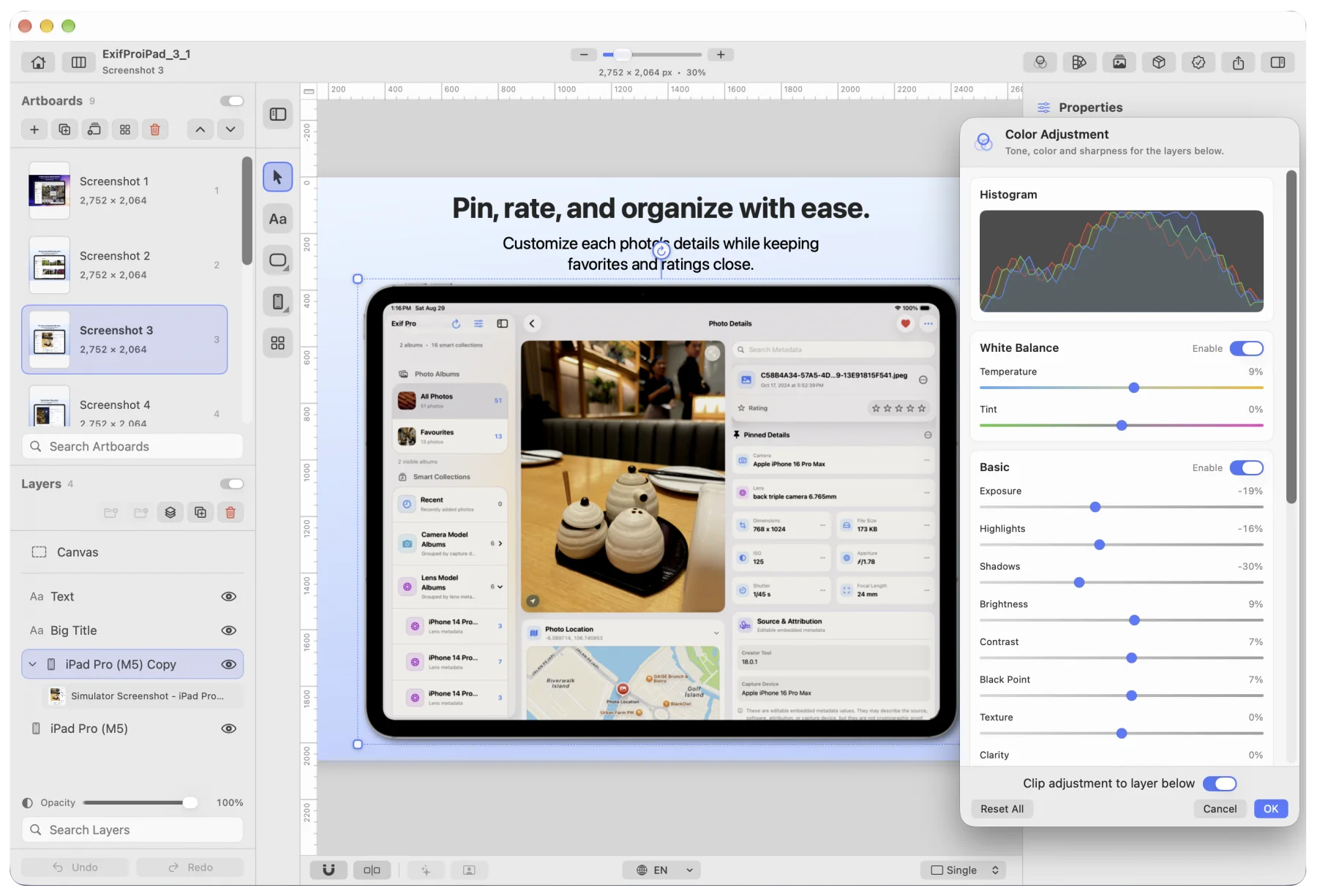
Adjustment layers
Non-destructive colour adjustment layers with a live histogram.
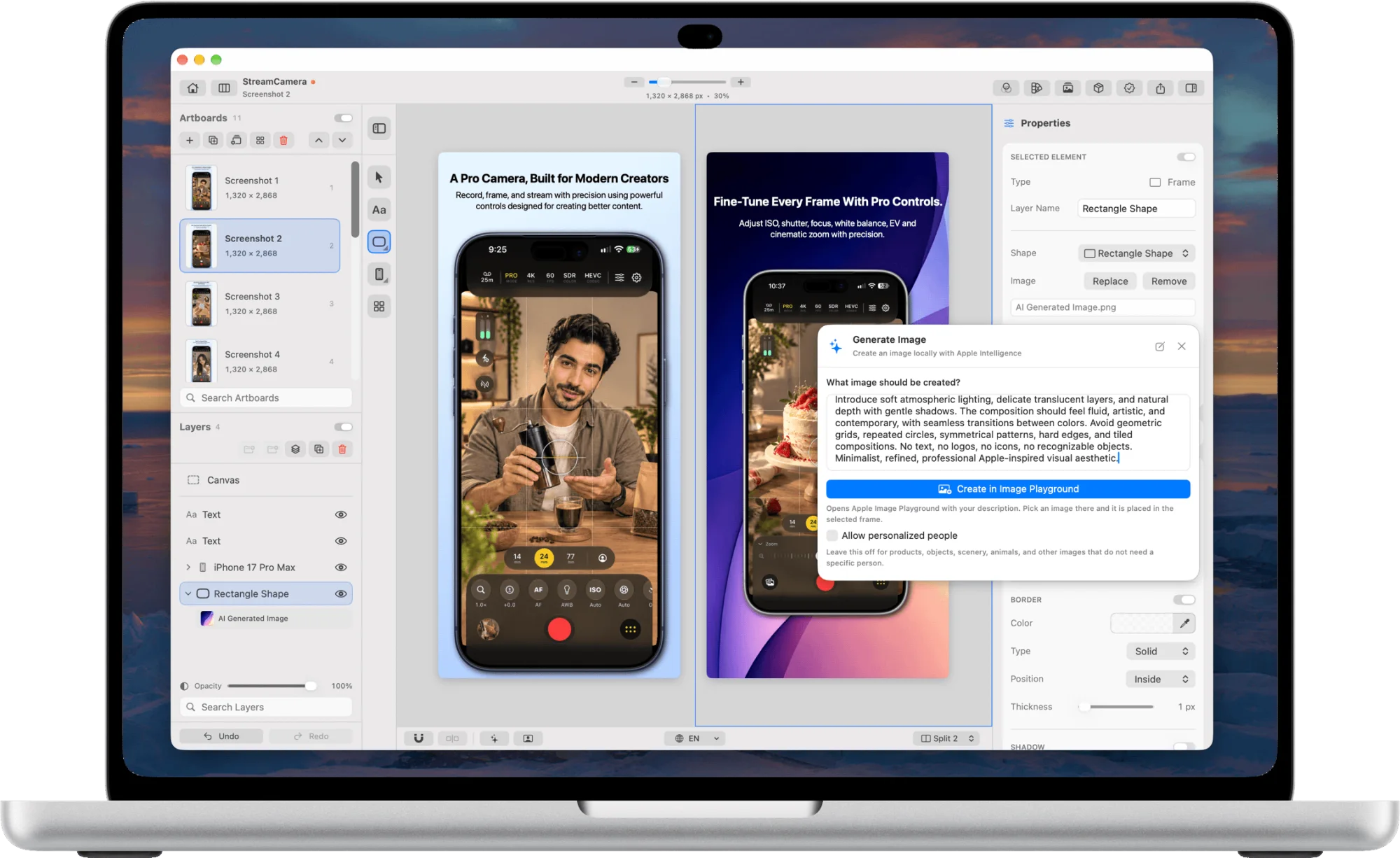
Uniframe is a native macOS app for designing App Store screenshots and device mockups. Place a real device in 2D or 3D, drop a screenshot into its screen, add captions, and export at the exact sizes each store requires. It runs entirely on your Mac.
macOS 26.0 or later · Apple silicon
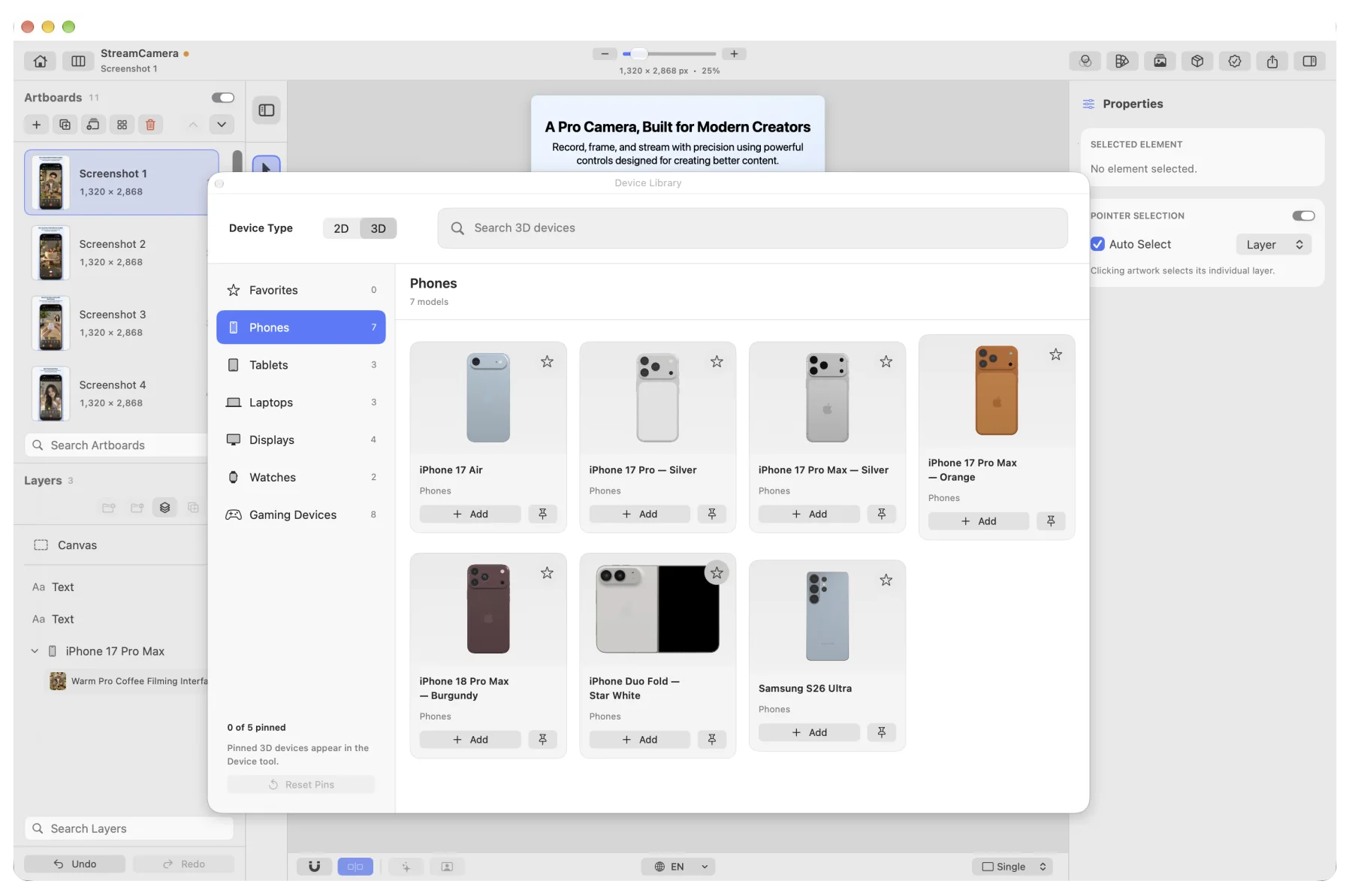
Uniframe includes 47 device frames: 27 3D models and 20 2D bezels, covering iPhone, iPad, Mac, Apple Watch, Android phones and tablets, laptops, desktop displays and gaming handhelds. The screenshot stays pixel-accurate inside the glass.
Lay out a full screenshot set side by side. Every device, image and caption is a layer you can select, adjust and reorder.
Start from a preset for the store you are designing for, or set a custom size.
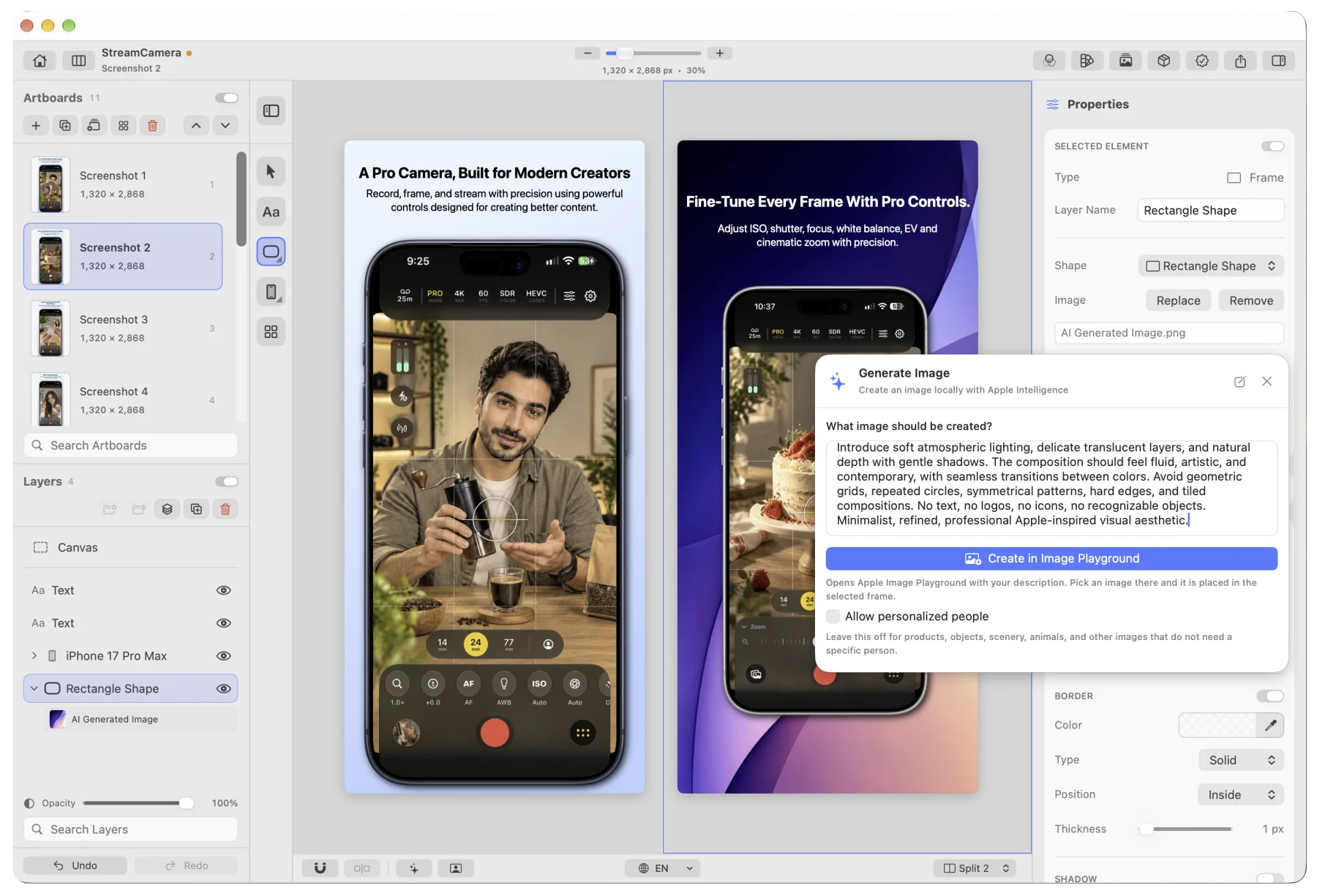
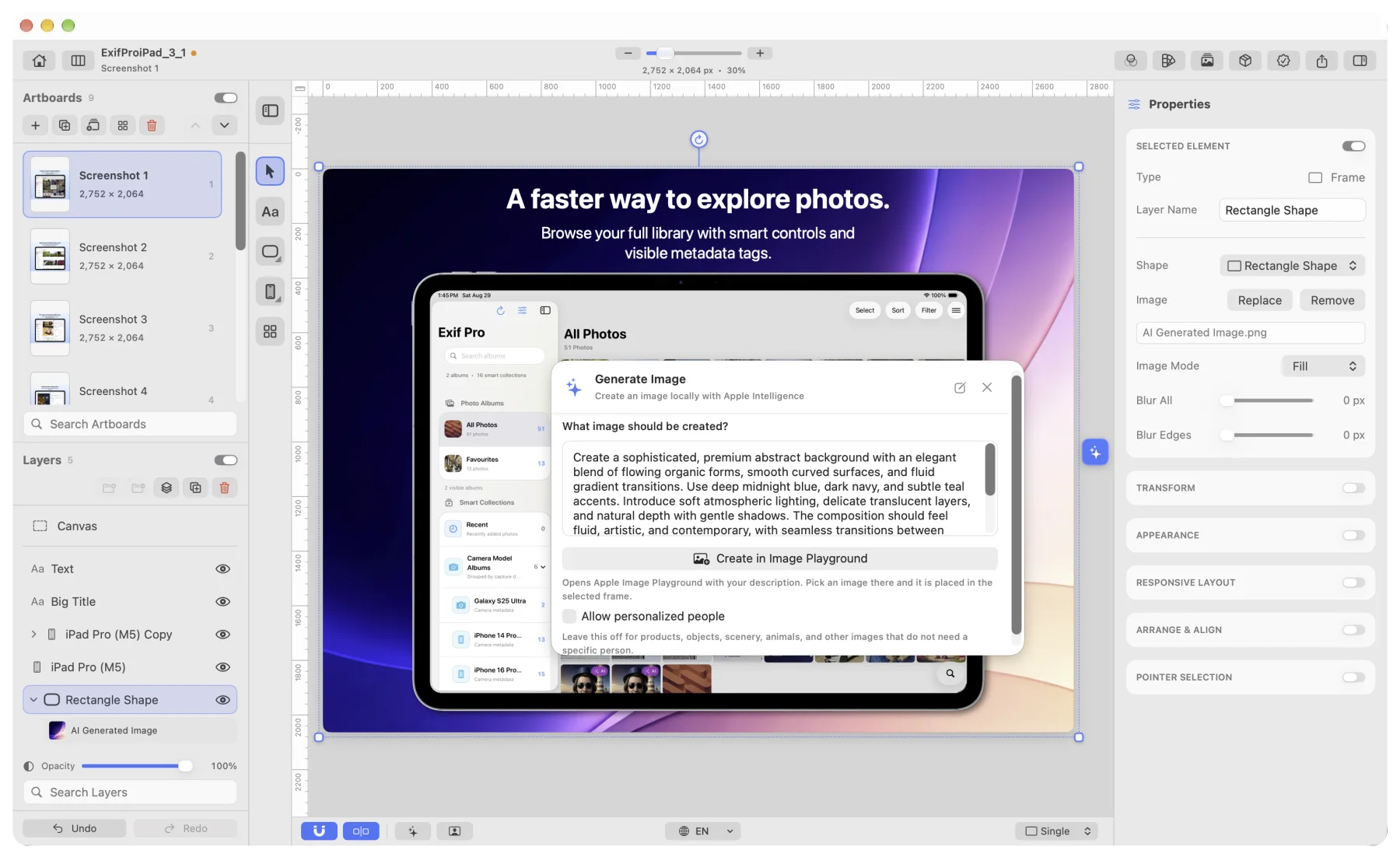
Generate backgrounds through Image Playground, and write or rewrite captions, while you work on the layout. Both run on your Mac.
These features need Apple Intelligence. The rest of Uniframe works without it.
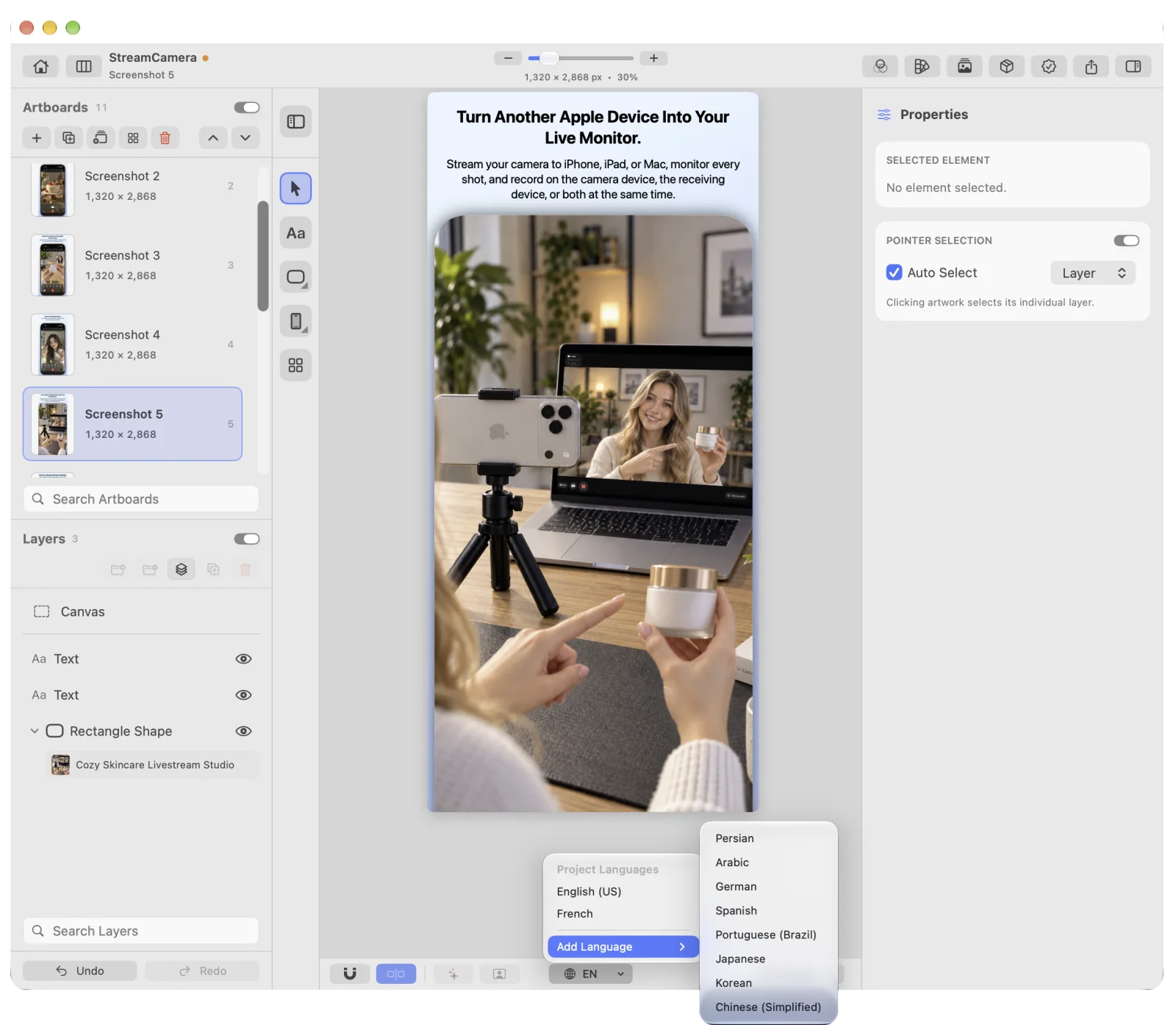
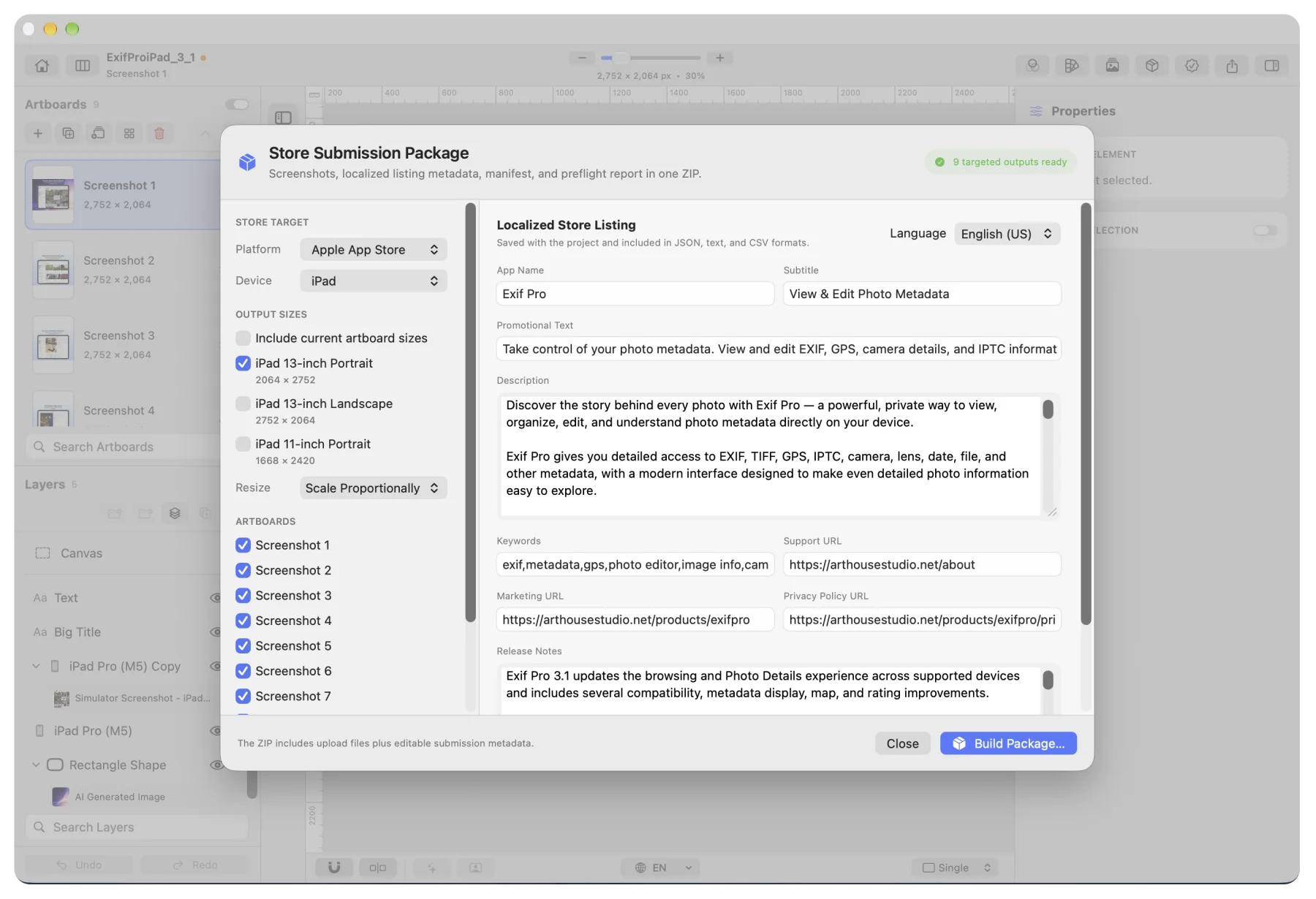
Add a language and the captions switch with it. Write the caption text for each locale, then export every language and every size together.
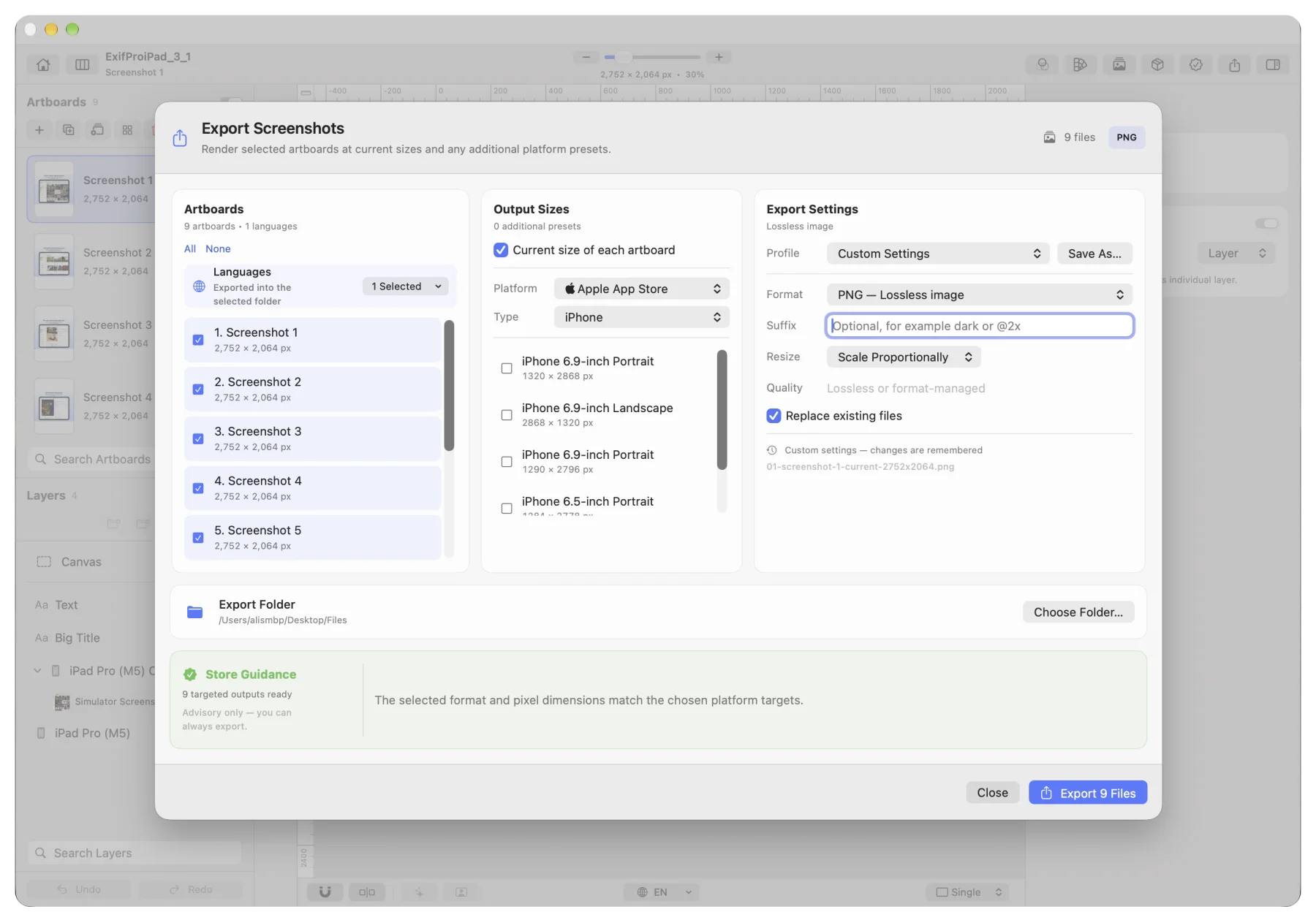
Export the whole set at the dimensions each destination requires, correctly named. Store guidance warns you about problems and never blocks the export.
Formats: PNG, JPG, WebP, HEIC, TIFF, PDF, SVG and PSD. PSD and SVG files keep their layers and are never flattened.
Uniframe packages the screenshots, the localized listing metadata, a manifest and a preflight report into a single ZIP file.
Non-destructive colour adjustment layers with a live histogram.
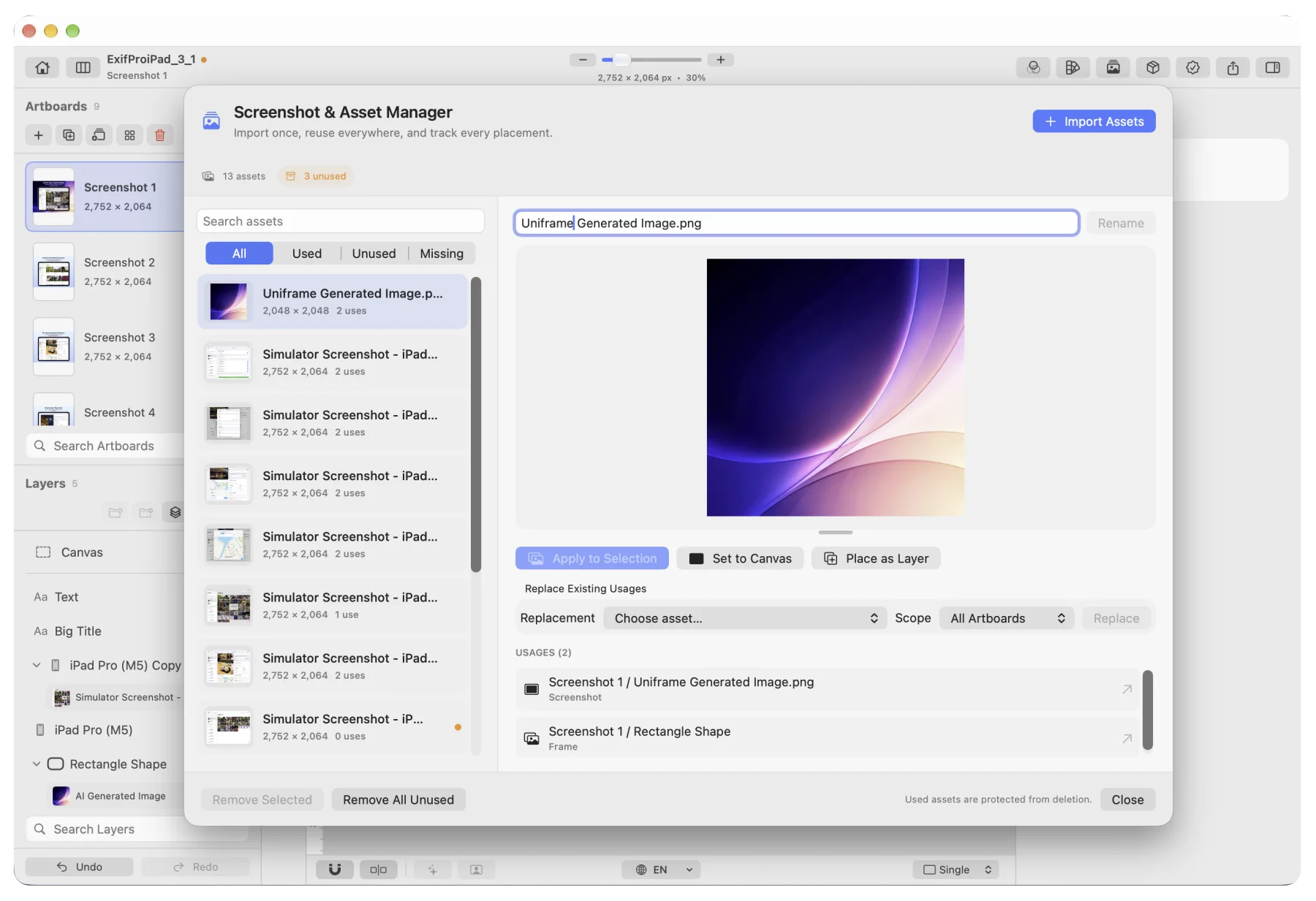
Tracks every placement of an asset, so one swap updates them all.
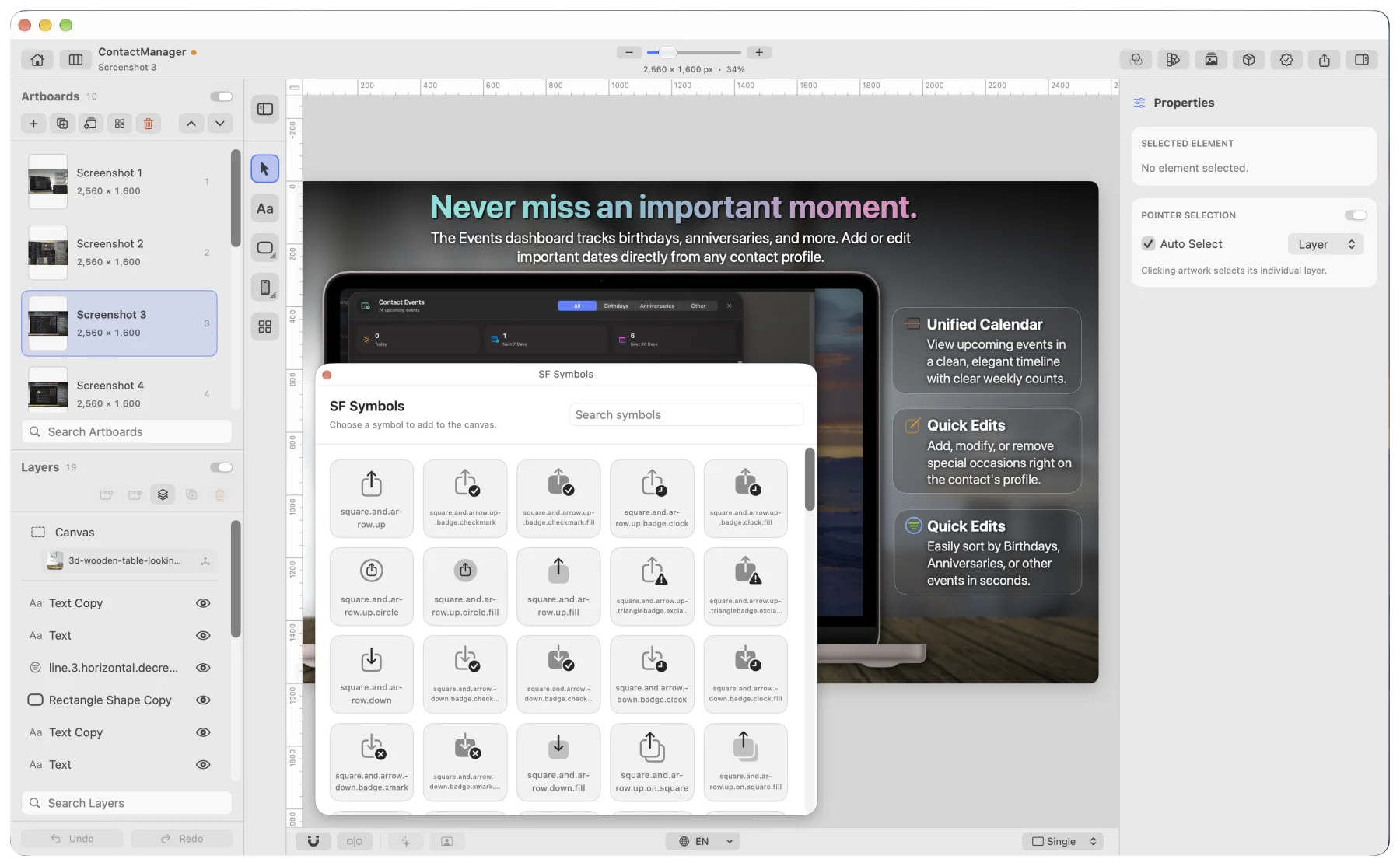
Custom fonts, gradients, shadows and SF Symbols.
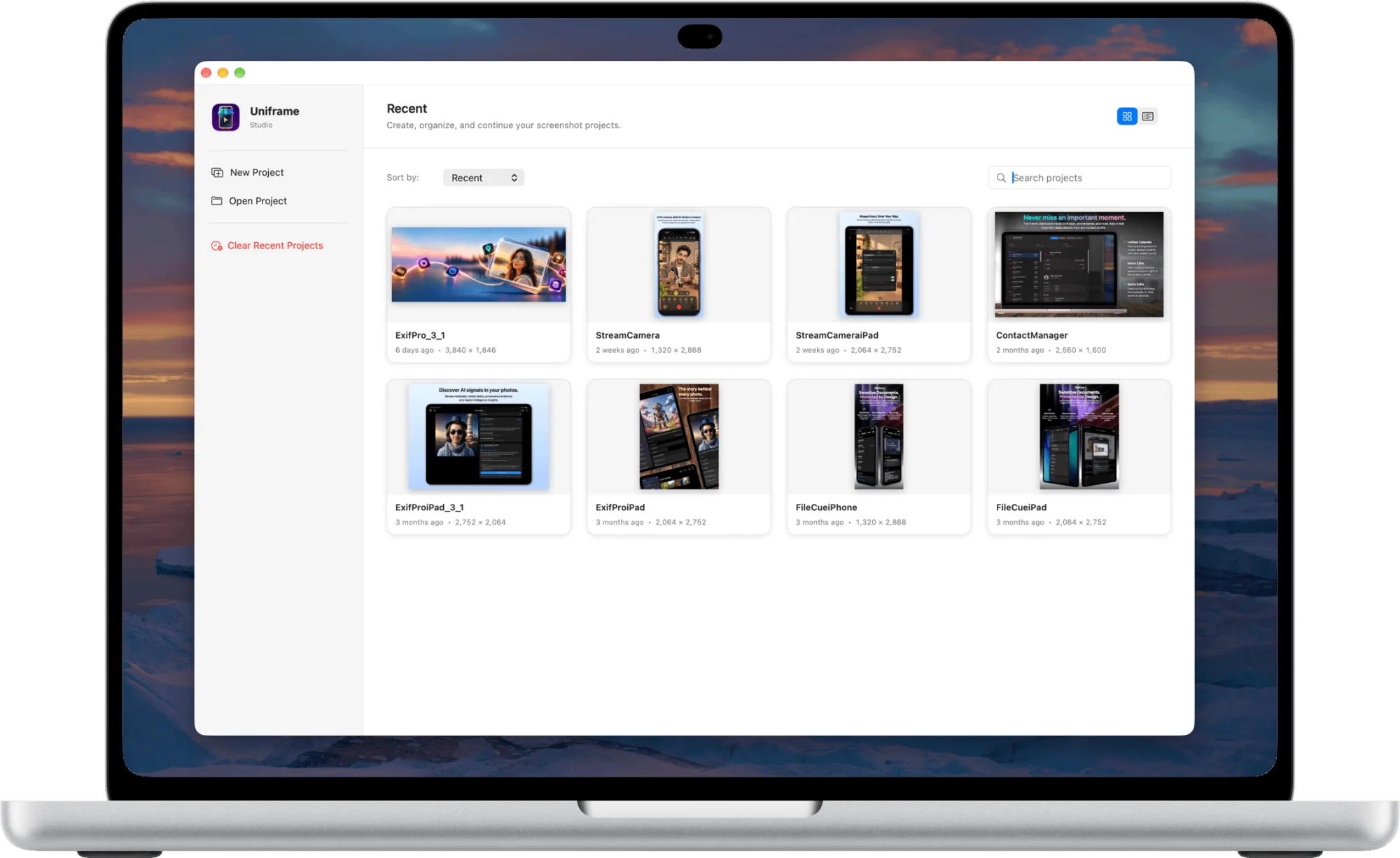
Design once, then export every size and every language from one project.
macOS 26.0 or later · Apple silicon